Your next gig
Each booking checks itself: paid, music chosen, event details, kit packed, documents in date.
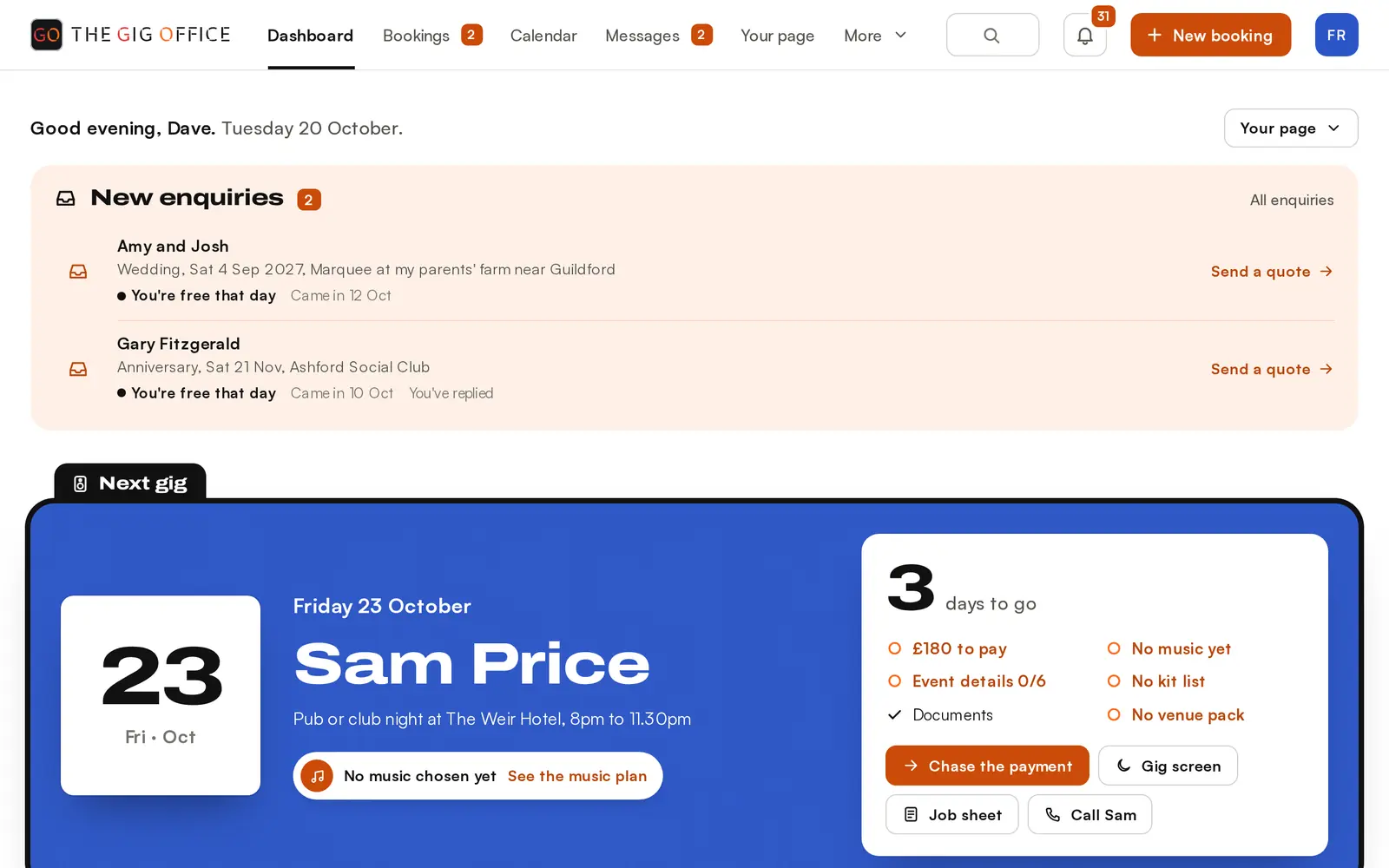
It runs the business side of every booking, from the first enquiry to the final payment, and gives your clients a booking that looks the part.
No card needed. Then £19 a month, everything included, and no cut of your bookings.
 Your side
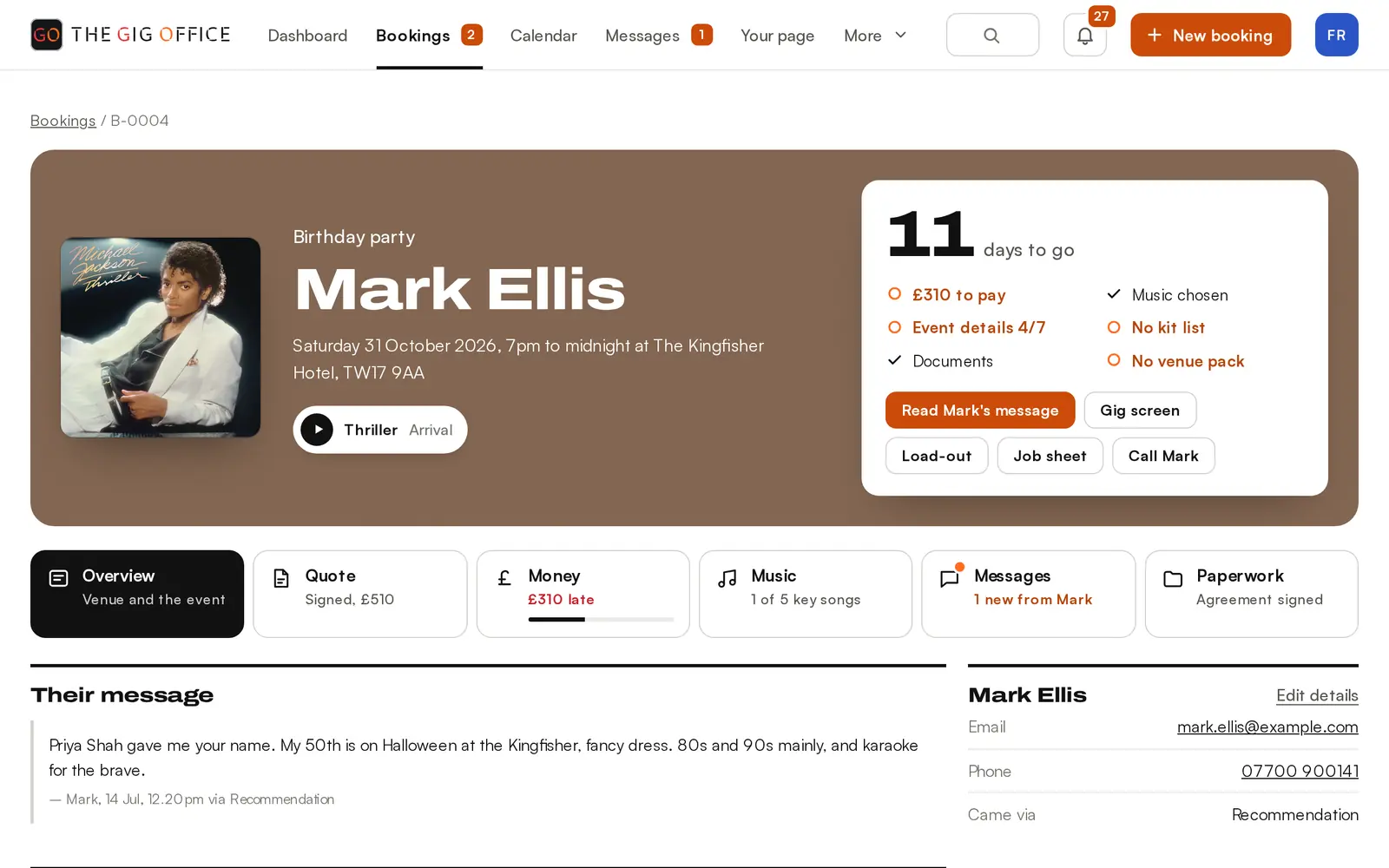
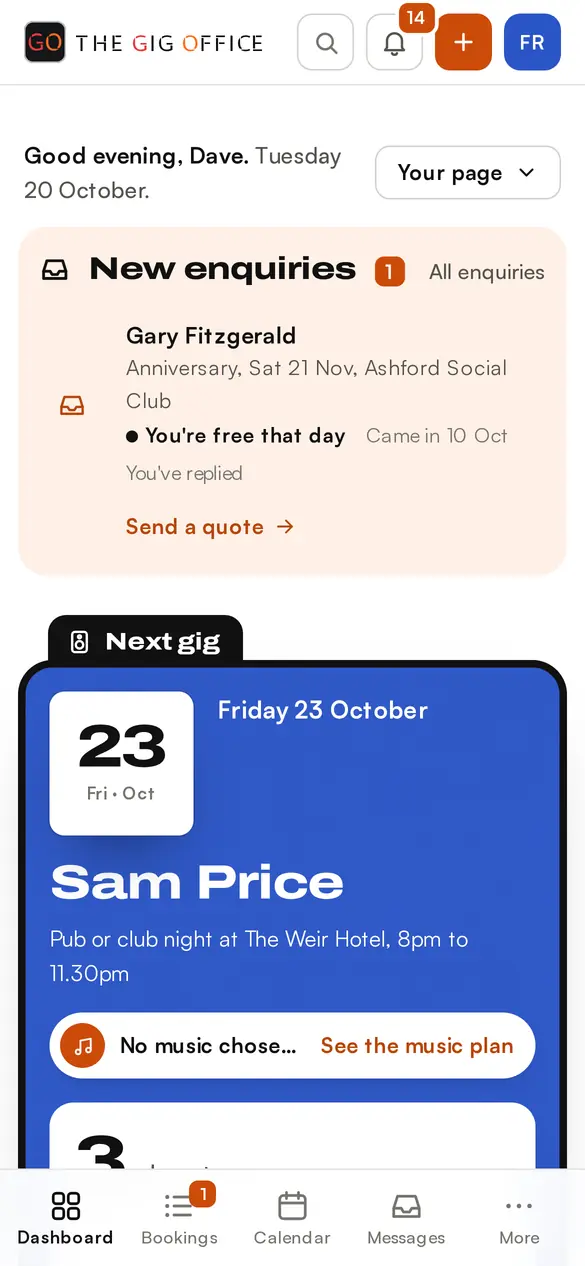
Every booking tells you where it stands and what to do next.
 Their side
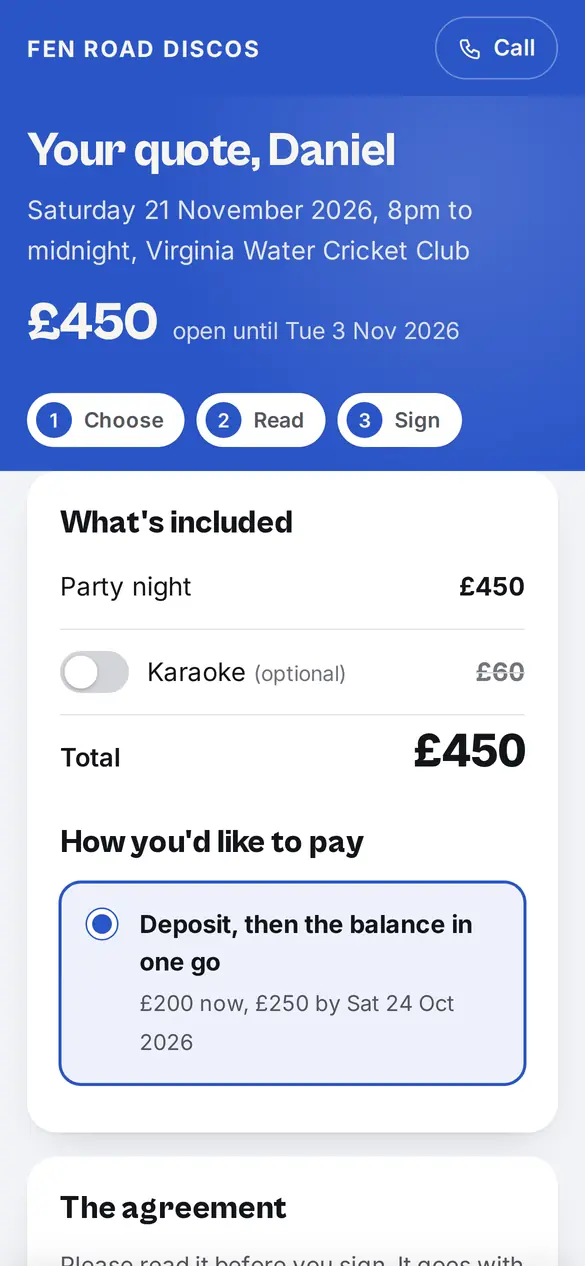
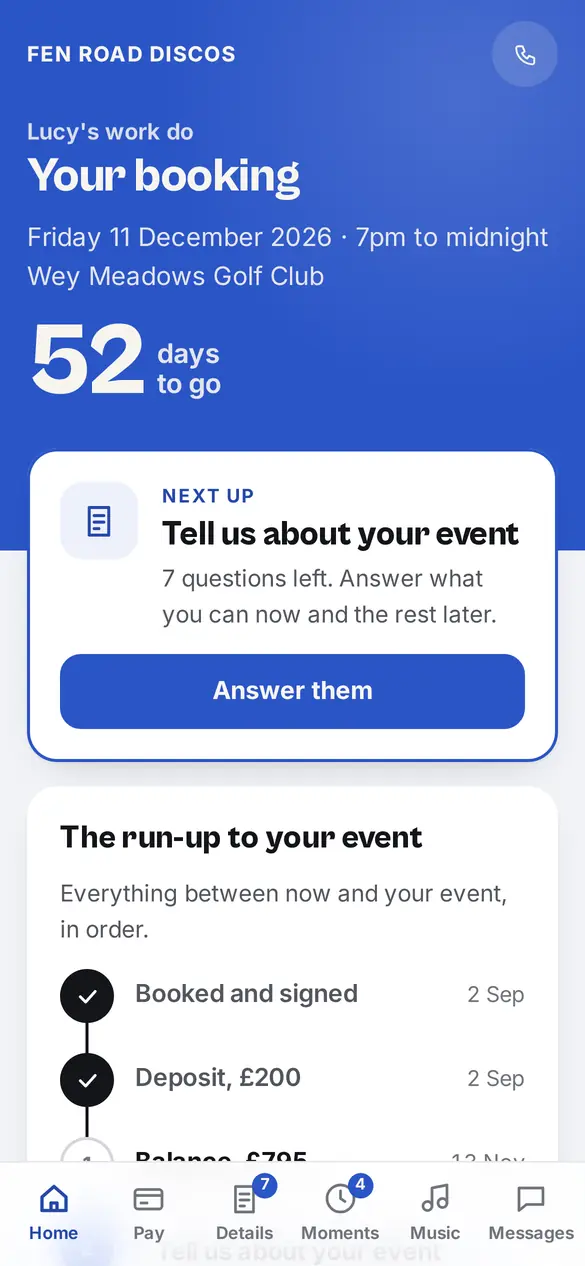
They sign, pay and plan the music without an app or a password.
“A fantastic system. It boggles my mind how extensive the features are.”
Built by a working UK mobile DJ. Every part of it comes from running real bookings: the enquiries, the deposits, the music and the paperwork. Why we built it
No more spreadsheets, notebooks and screenshots of bank transfers. It reminds, collects and keeps count, and tells you when it needs you.
Each booking checks itself: paid, music chosen, event details, kit packed, documents in date.
Client replies land with the booking they belong to, and in your inbox too.
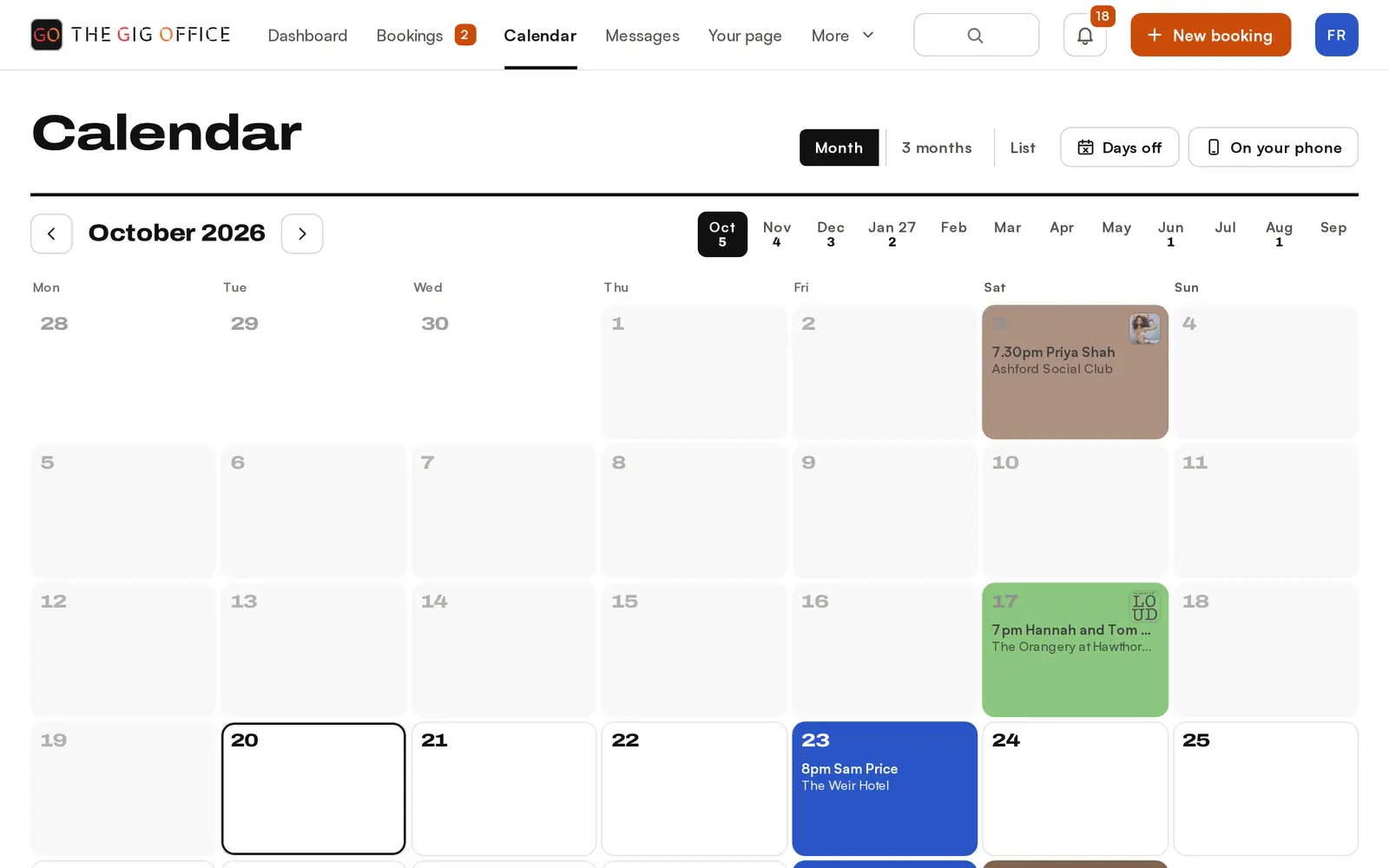
On your phone's calendar too. A full date can't be booked twice.
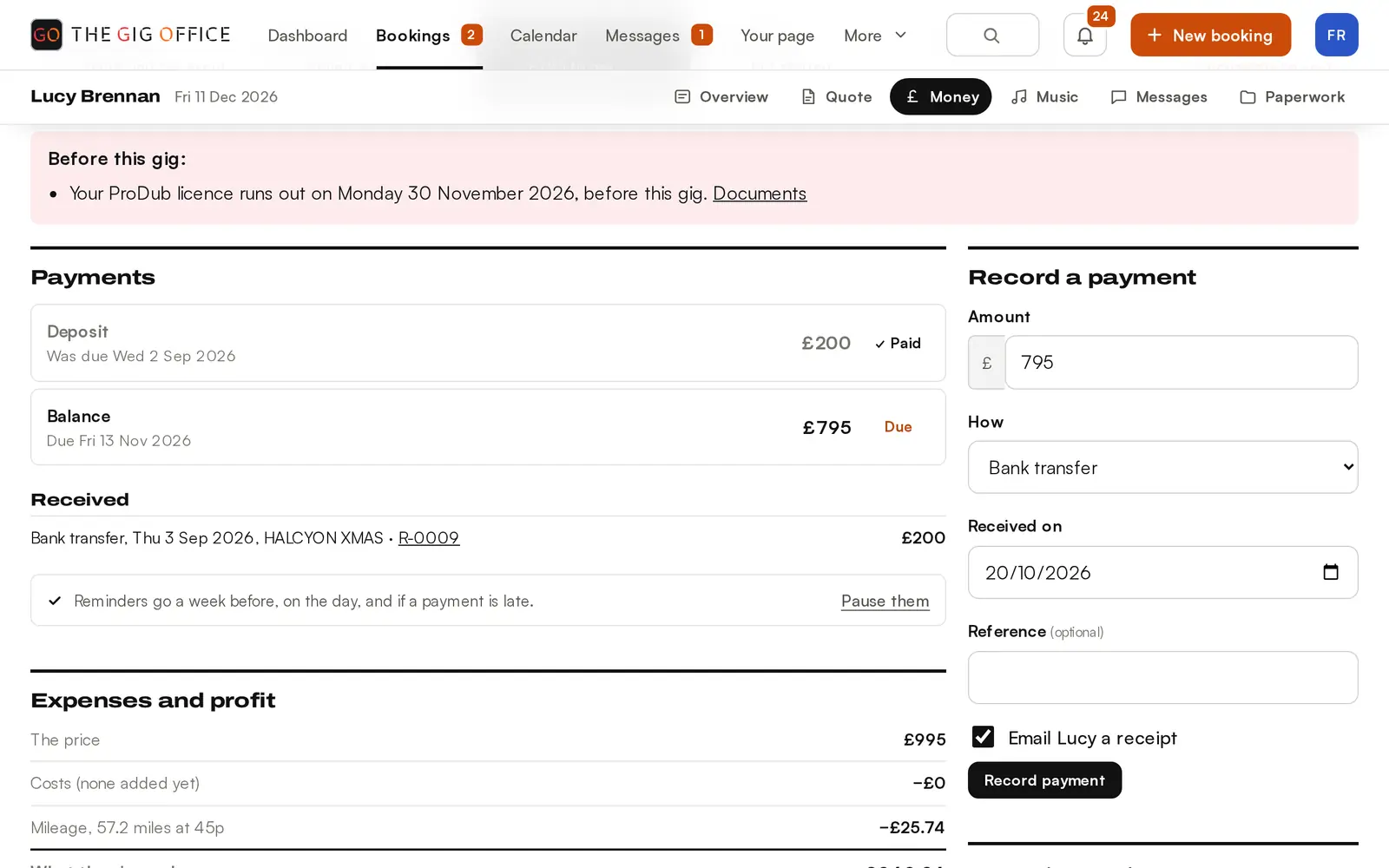
Reminders before it's due and when it's late. They stop once it's paid.
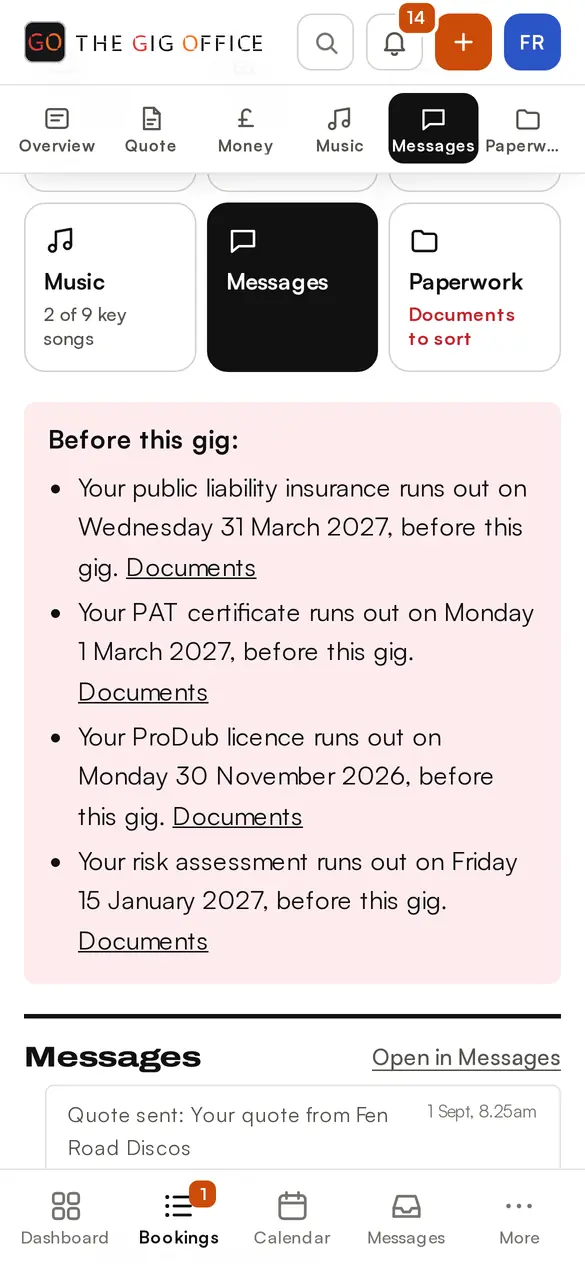
A reminder before anything runs out, and one link to send the venue.
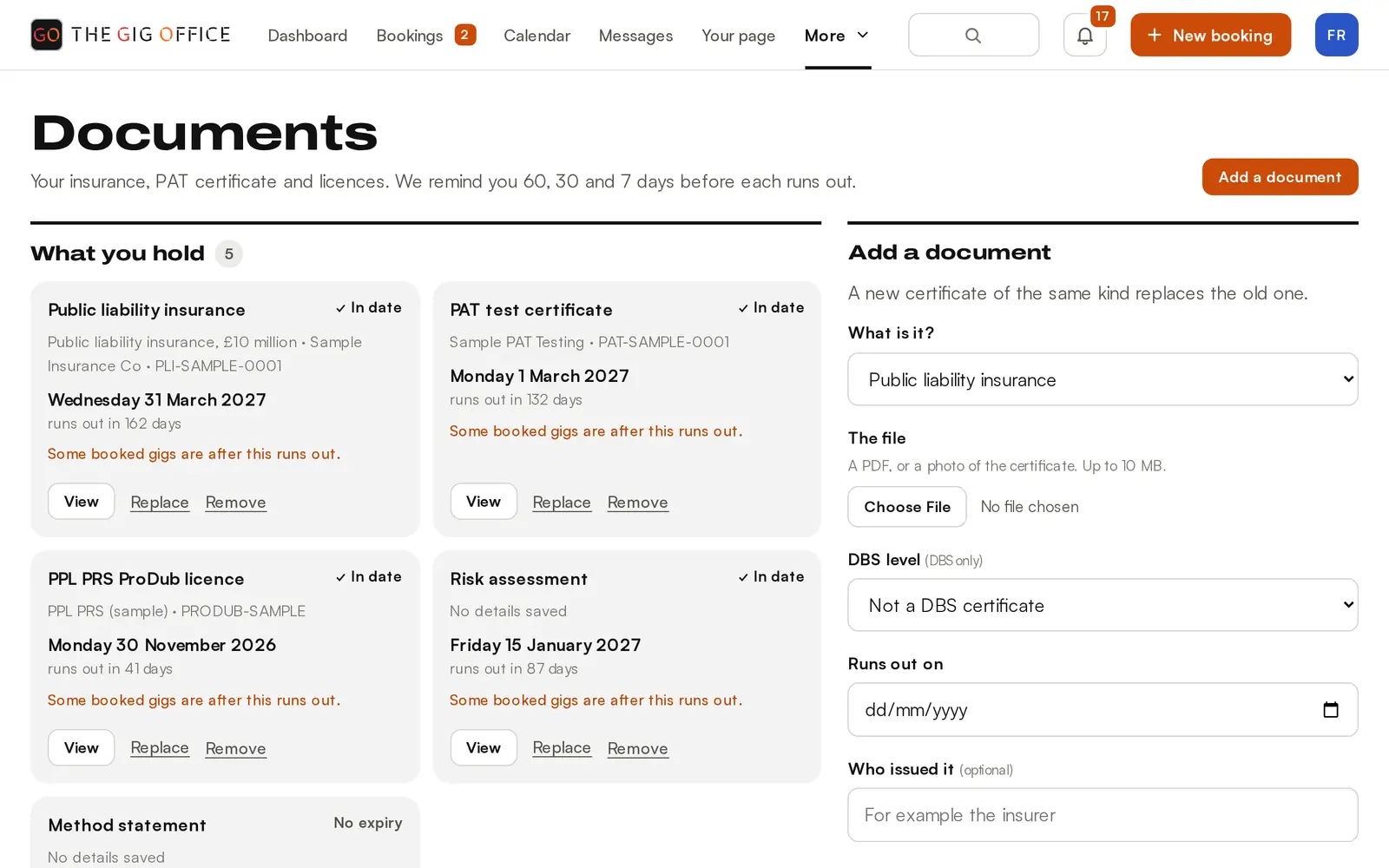
Money in, expenses and every mile to every venue at HMRC's rate, ready for your accountant.
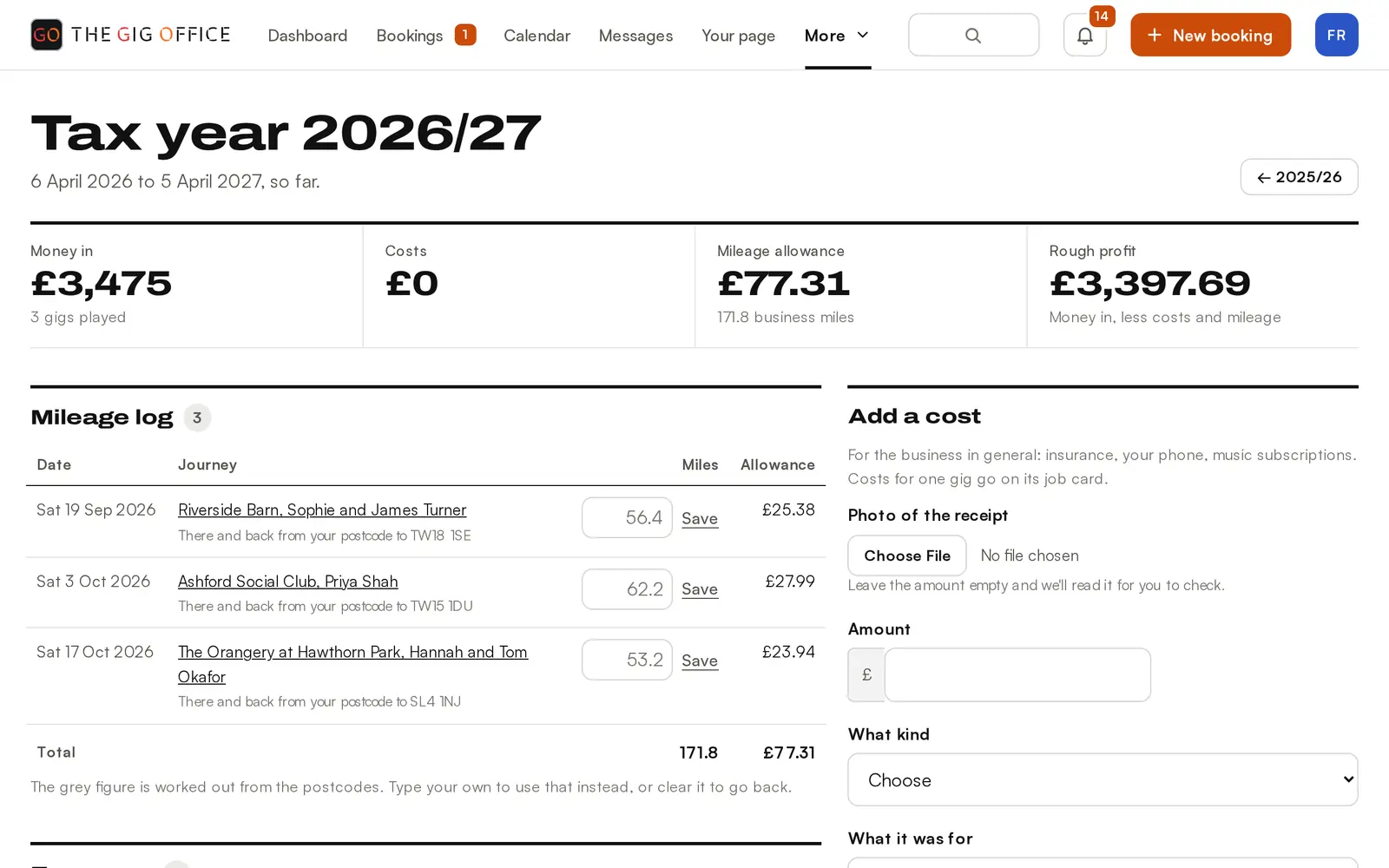
New enquiries, signatures and payments come up on your phone as they happen, even when the app is closed. Your clients can get reminders by text, in your name.
Add it to your home screen from the browser, with no app store. You choose which alerts come to your phone, your laptop or your email.
Coming soon: payment, music and call reminders by text, each with a link to their booking. £4 a month for 60 texts, if you want them.
Clients book the DJ who has it all in hand. Here's what you see, and what they see in your name and colour, from the first message to the morning after.
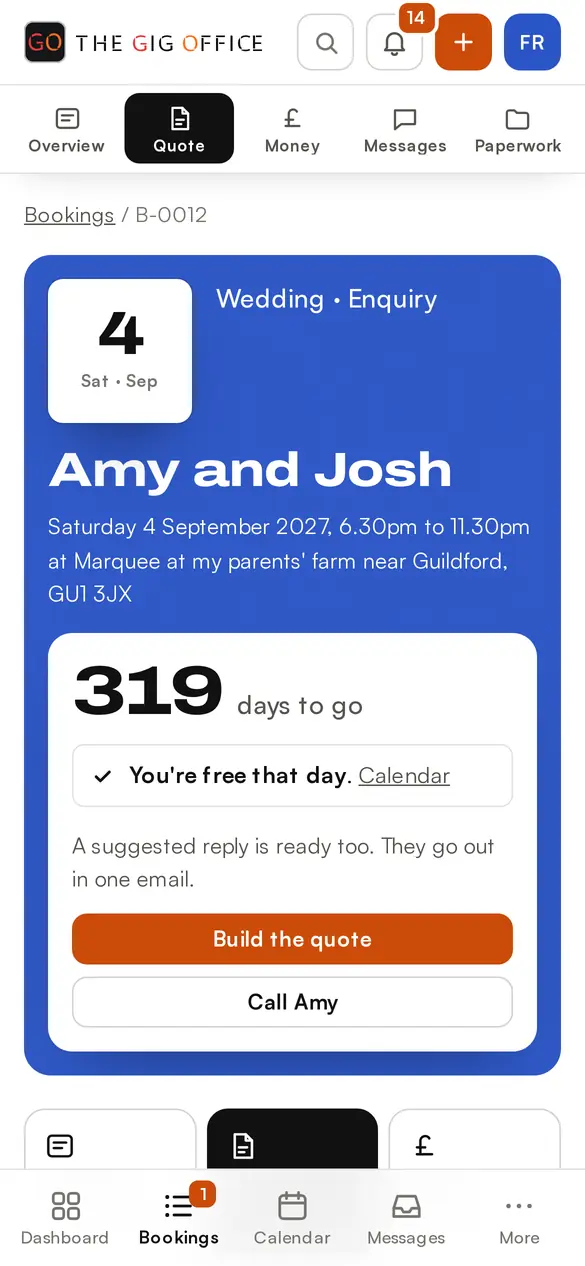
It arrives as a booking, with the date checked against your calendar.
Your website tells them you're free before they ask.
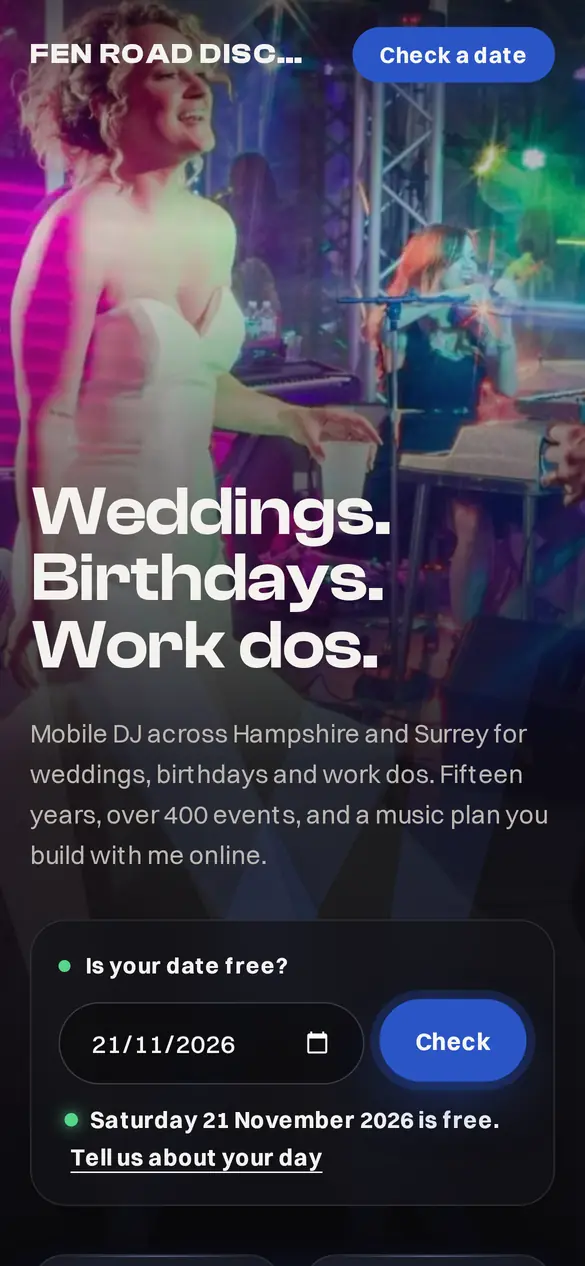
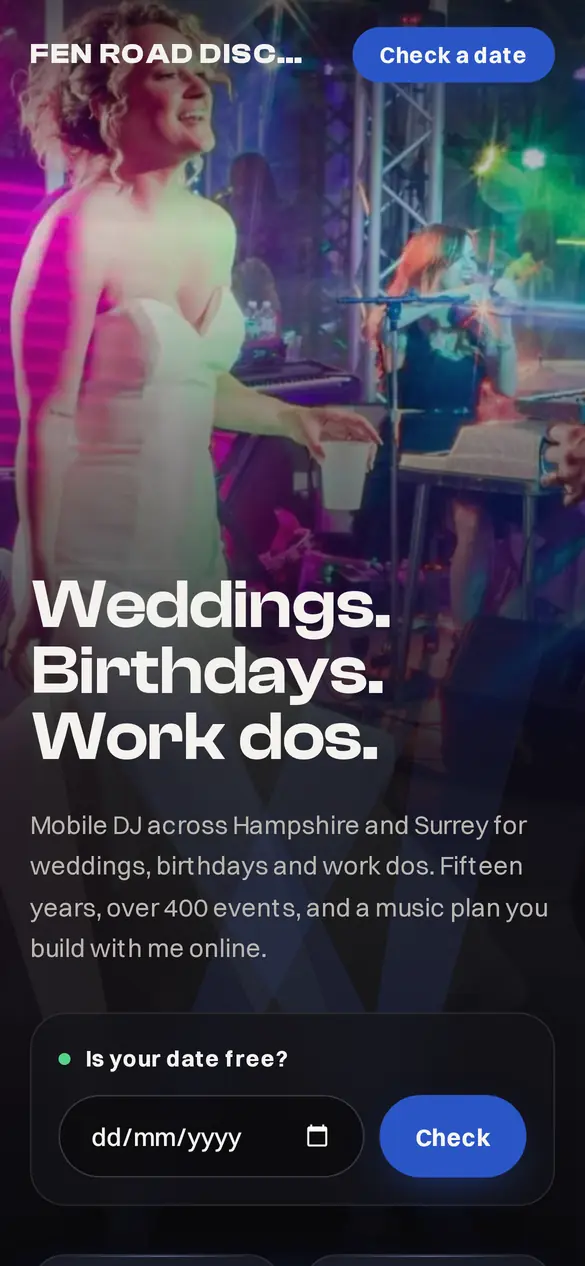
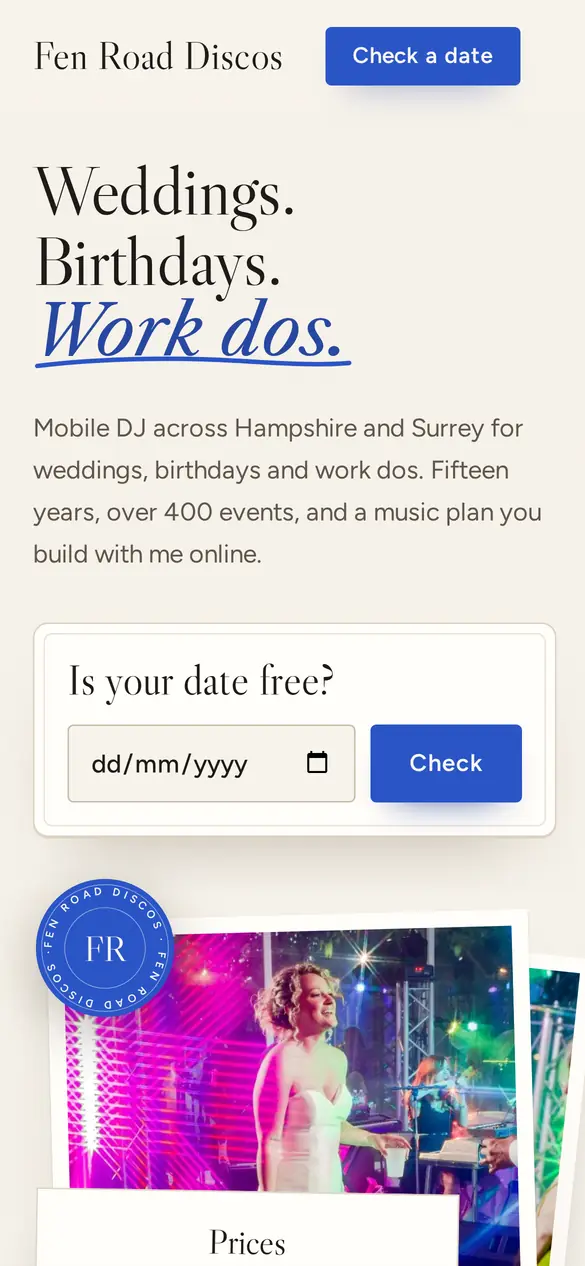
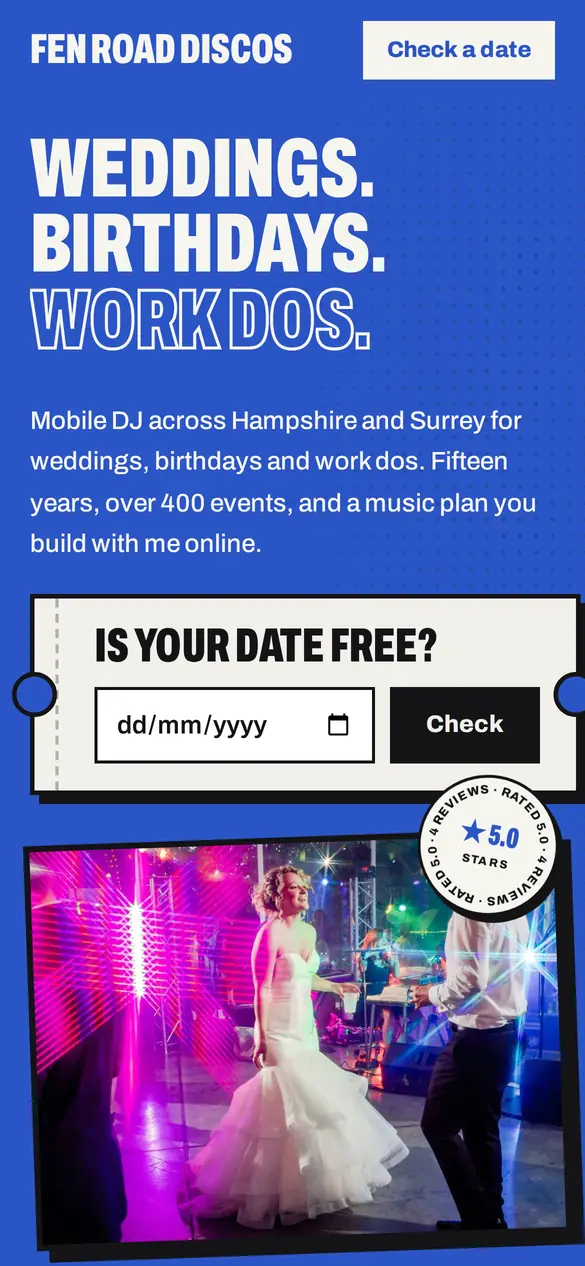
Pick a look, add your photos, packages and words, and it's live at yourname.thegigoffice.co.uk with bookings built in.
Every gig you've already got, from a spreadsheet, your calendar, photos of a paper diary or notes you paste in. You check each one before it goes in.

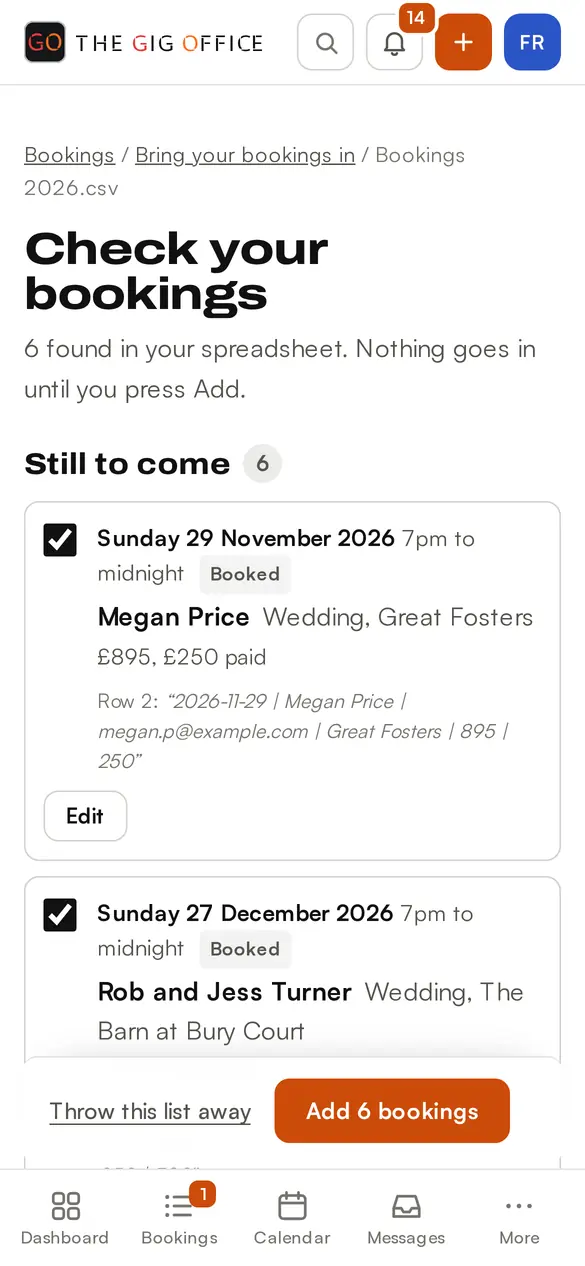
Your clients hear nothing until you say, and you can take the lot back out within 7 days.
Try it with your own bookingsWith their dates, a reminder before each runs out, and a venue pack link.
VAT invoices if you're registered, receipts if not, credit notes for refunds.
For venues and agencies on account: statutory interest worked out, then a letter before action and a money claim pack if it comes to that.
Plain-English UK terms you can edit, with a record of every signature.
A reference for each booking. Tap received and the receipt goes out.
Costs logged as you go, and where you stand against the threshold.
Anything else? Email hello@thegigoffice.co.uk and you'll get an answer from a person.
Yes. Upload a spreadsheet or your calendar, add photos of a paper diary, or paste in your notes. You check every booking before it goes in, and your clients hear nothing from us until you say.
No. They open the link in your email and everything is there: the quote, the agreement, the payments and the music. Nothing to download and no password to remember.
Card payments go into your own Stripe account, which takes its normal fee, from 1.5% + 20p on most UK cards. We take nothing from your bookings. Bank transfer and cash are free, and you don't have to take cards at all. What Stripe charges
No. Sign up with your email and you have 30 days with everything switched on. We email you a week before it ends. If you don't carry on, you pay nothing.
Yes. Paste one line into your site and the enquiry form, with its date check, sits on it. Or use the one-page site that comes with the plan.
It works in the browser on your phone, tablet or laptop, and you can add it to your phone's home screen like an app, with no app store. New enquiries and payments then come up as alerts on your phone, even when it's closed.
Cancel from your settings, with no phone call and no notice period. You can download all your records as spreadsheets and PDFs, and for 90 days your clients can still open their links and pay you, so nobody's left stranded.
Try it with your real bookings for 30 days. No card to start.
See all 130 features in the plan
£19a month
£190a year
That's £15.83 a month, with two months free.
Pay as you go. Cancel any time and your plan runs to the end of the month you've paid for.
Paid once a year. Cancel any time and your plan runs to the end of the year you've paid for.
Try it free for 30 daysCard payments go into your own Stripe account, which takes its normal fee, from 1.5% + 20p. What Stripe charges